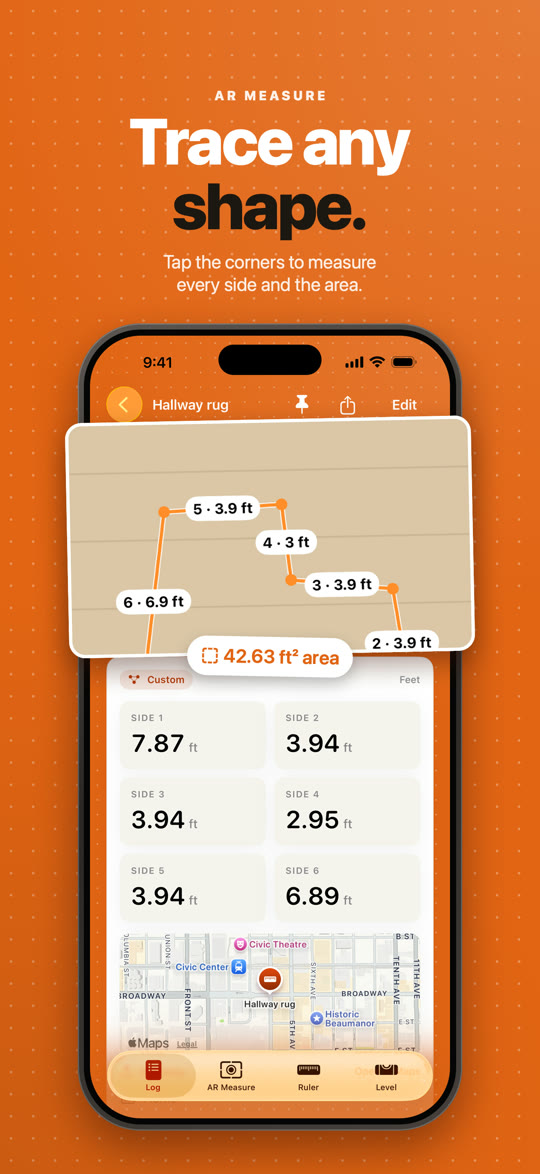
AR Measure
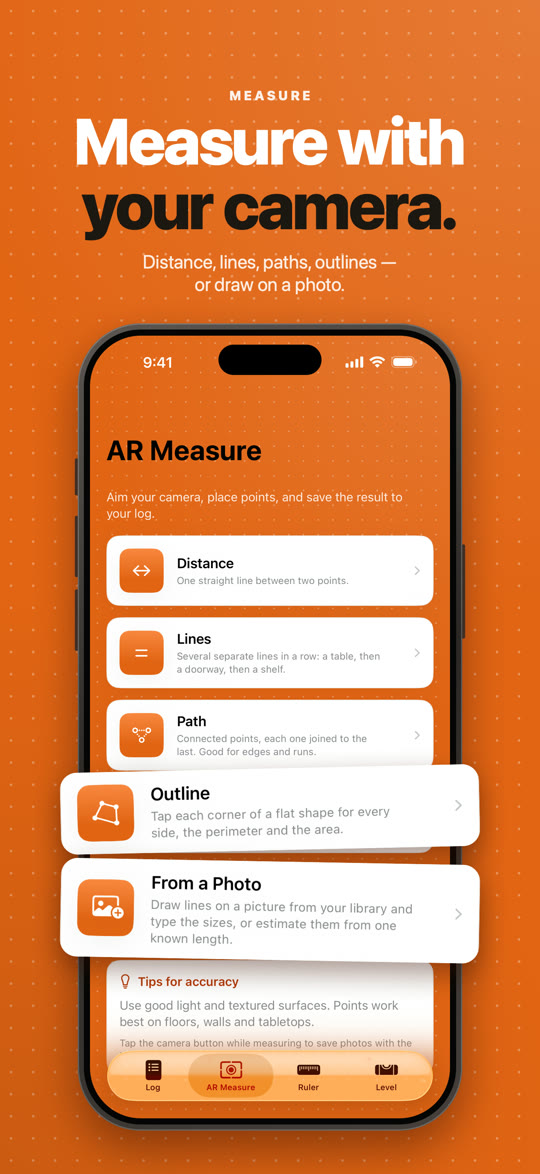
Point your camera and tap: a distance, several lines, a path, or a whole outline with its area.
Measure Log for iPhone
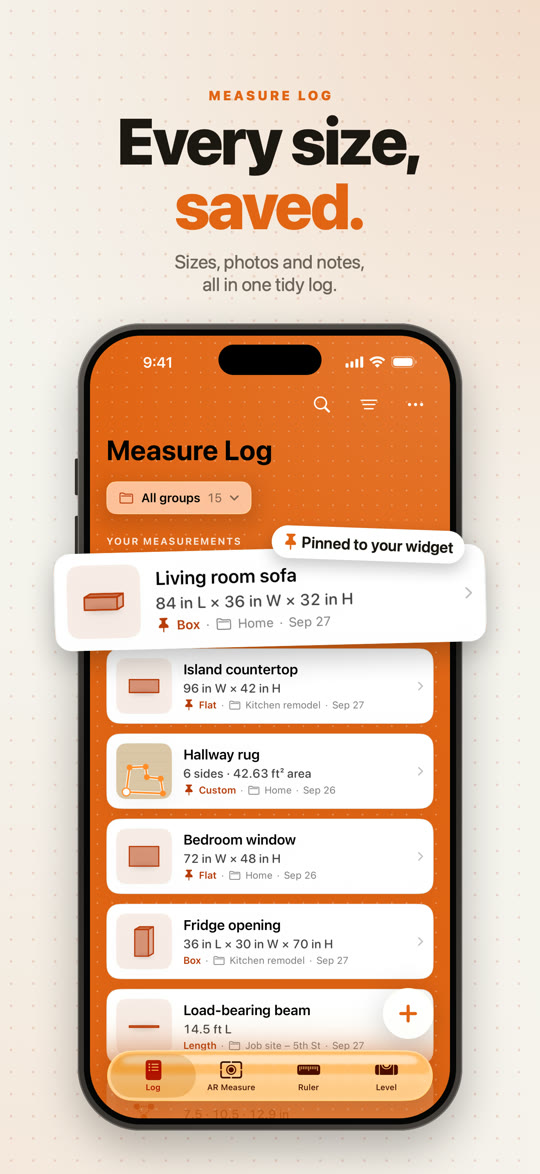
Measure with your camera, a ruler and a level — then keep every size, photo and note in one tidy log.
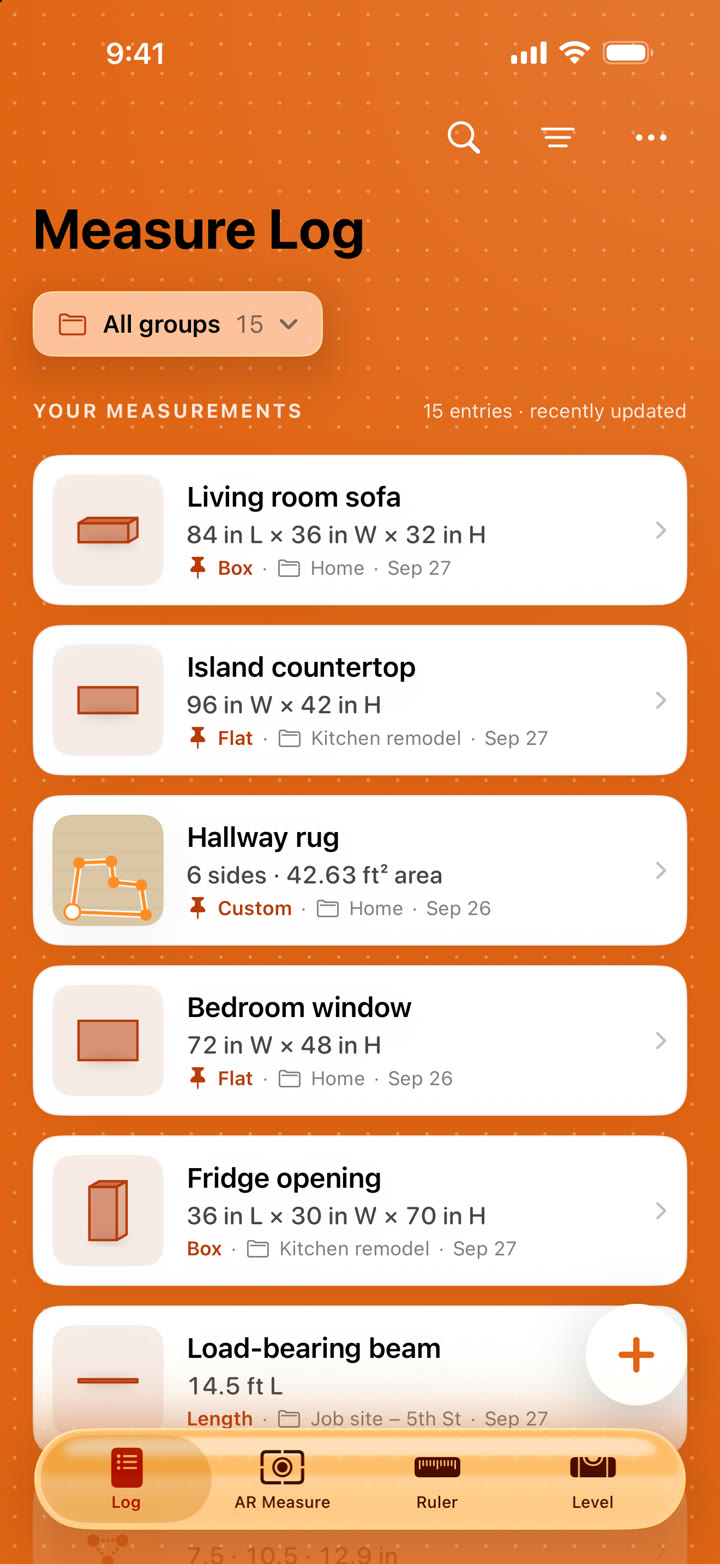
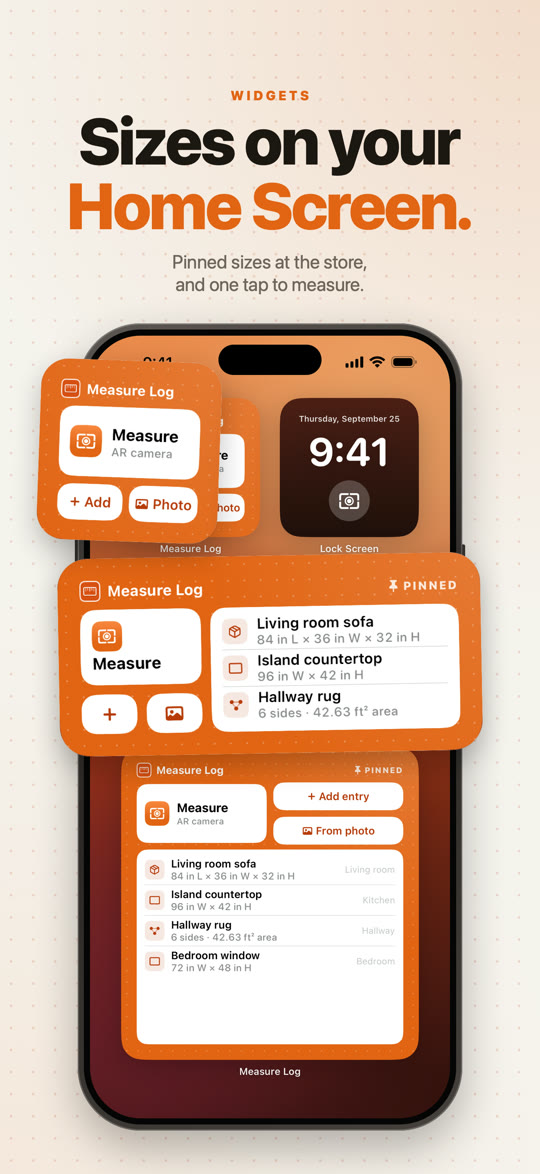
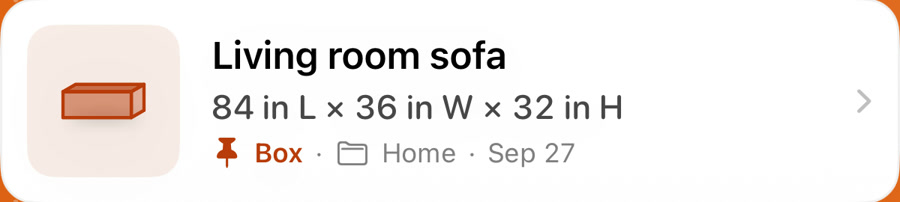 Pinned to your widget
What’s inside
From a quick tape-measure check to a whole room traced with your camera, every size lands in your log with its photo, notes and place.
Point your camera and tap: a distance, several lines, a path, or a whole outline with its area.
Draw lines on any photo. Set one known size and the rest are estimated for you.
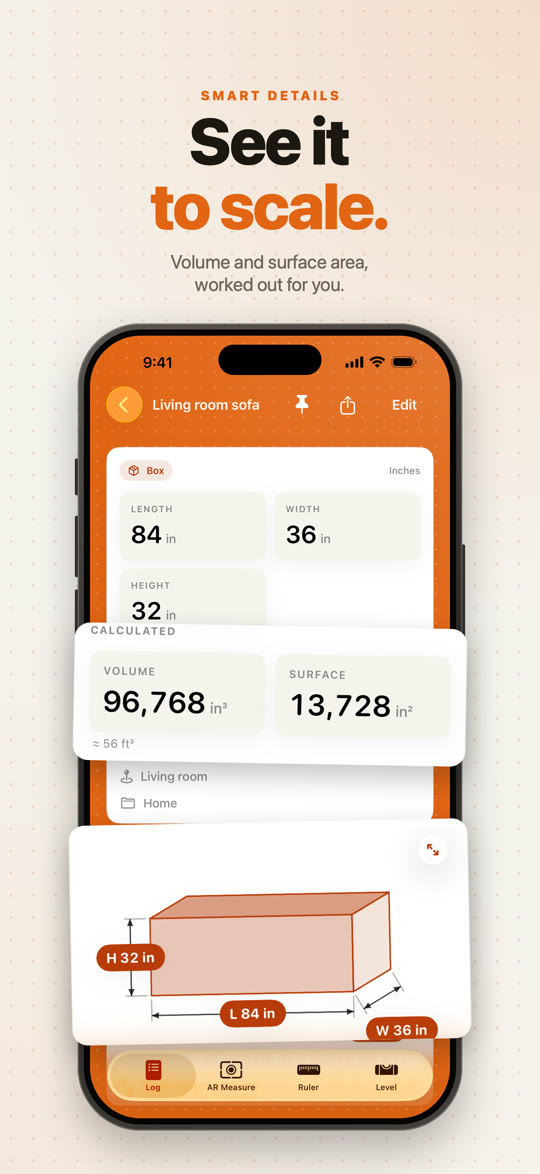
Volume, surface and area worked out automatically, with a to-scale drawing.
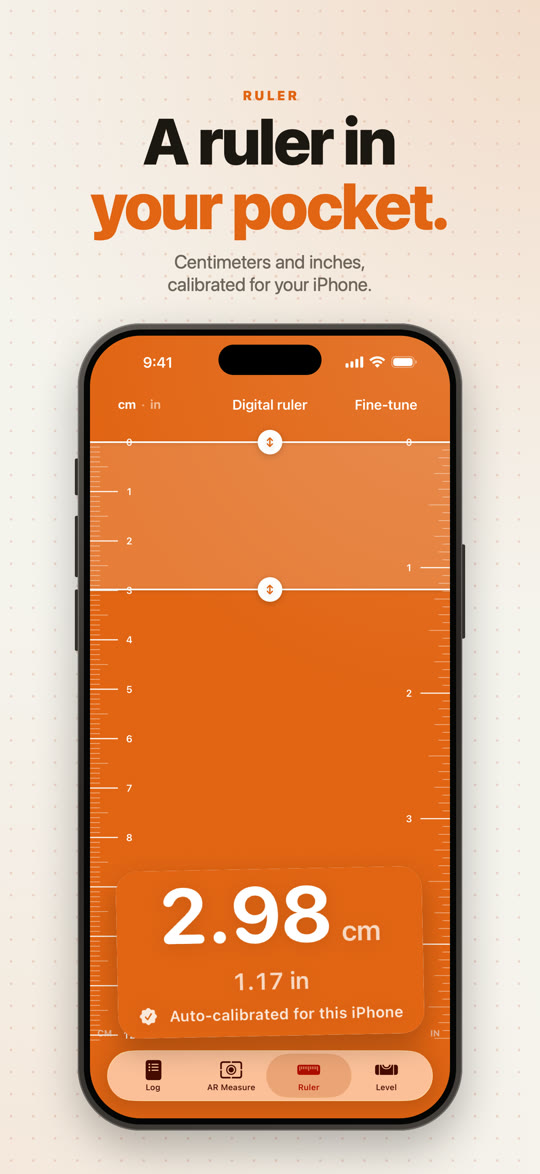
A ruler in centimeters and inches, calibrated for your iPhone’s screen.
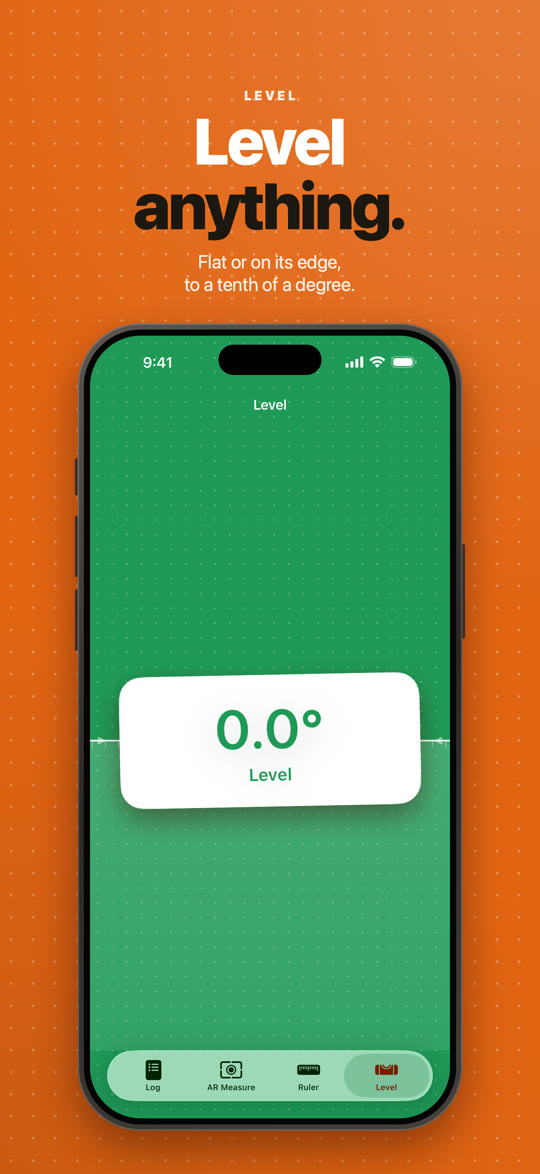
A bubble level and an edge level that turns green the moment it’s true.
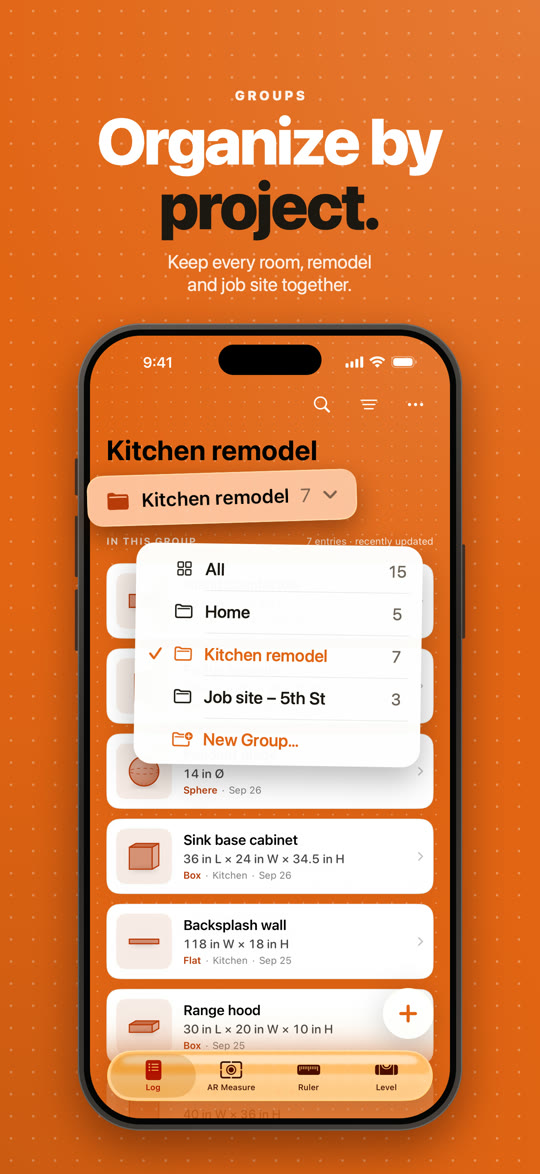
Keep each room, remodel or job site together, and switch in a tap.
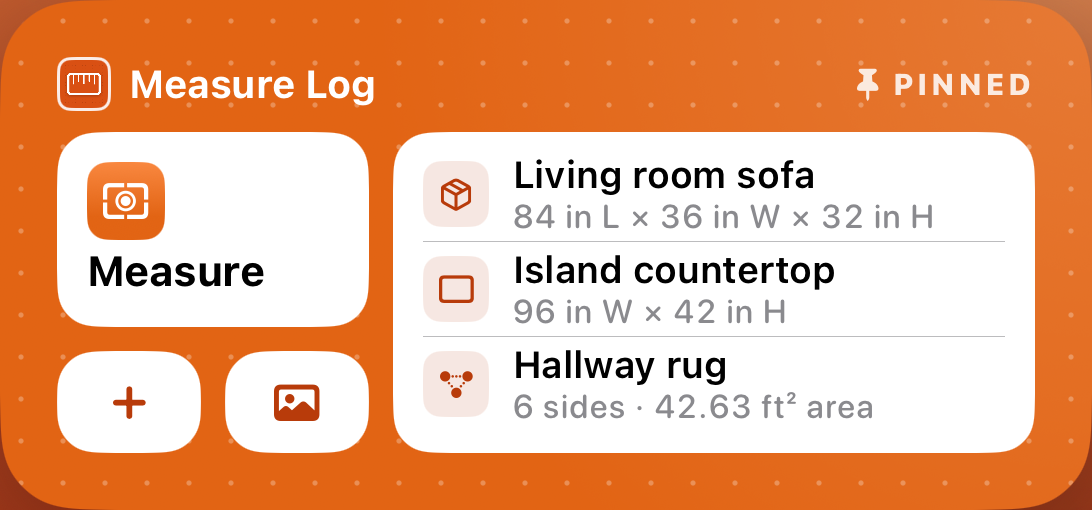
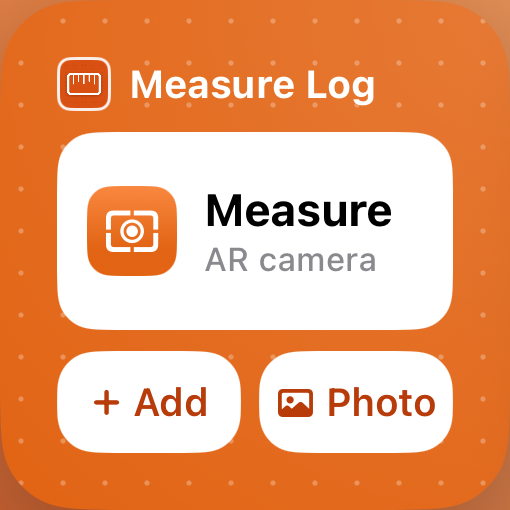
Pinned sizes on your Home Screen, plus one-tap Measure, Add and Photo.
Send an entry to anyone with the app, save photos with the lines, or export a CSV.
Widgets
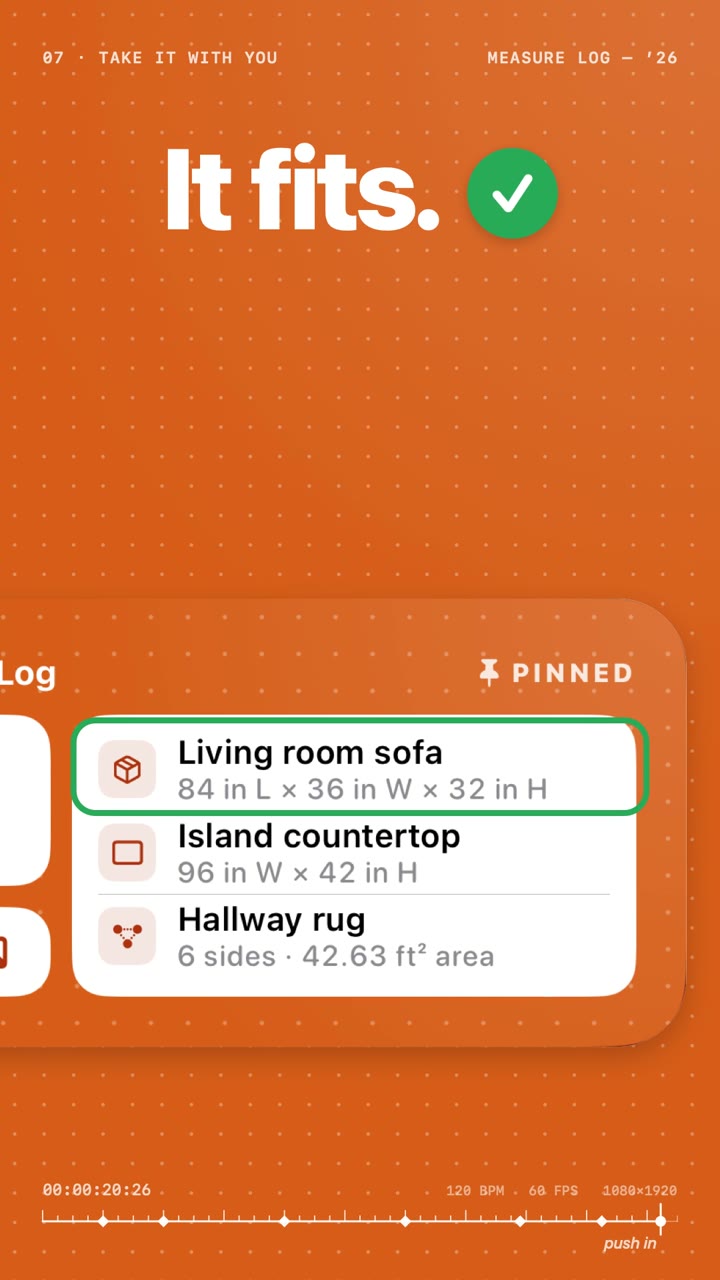
Pin the sizes you need and they’re a glance away — at the store, on the job, anywhere.
The film
Twenty-six seconds from the question to the answer.
Private by design
Nothing to sign up for. Open the app and start measuring.
No analytics, no ad networks, nothing sent to us.
Entries and photos live on your iPhone. Location is used only if you ask.